
Cartouche Cloud
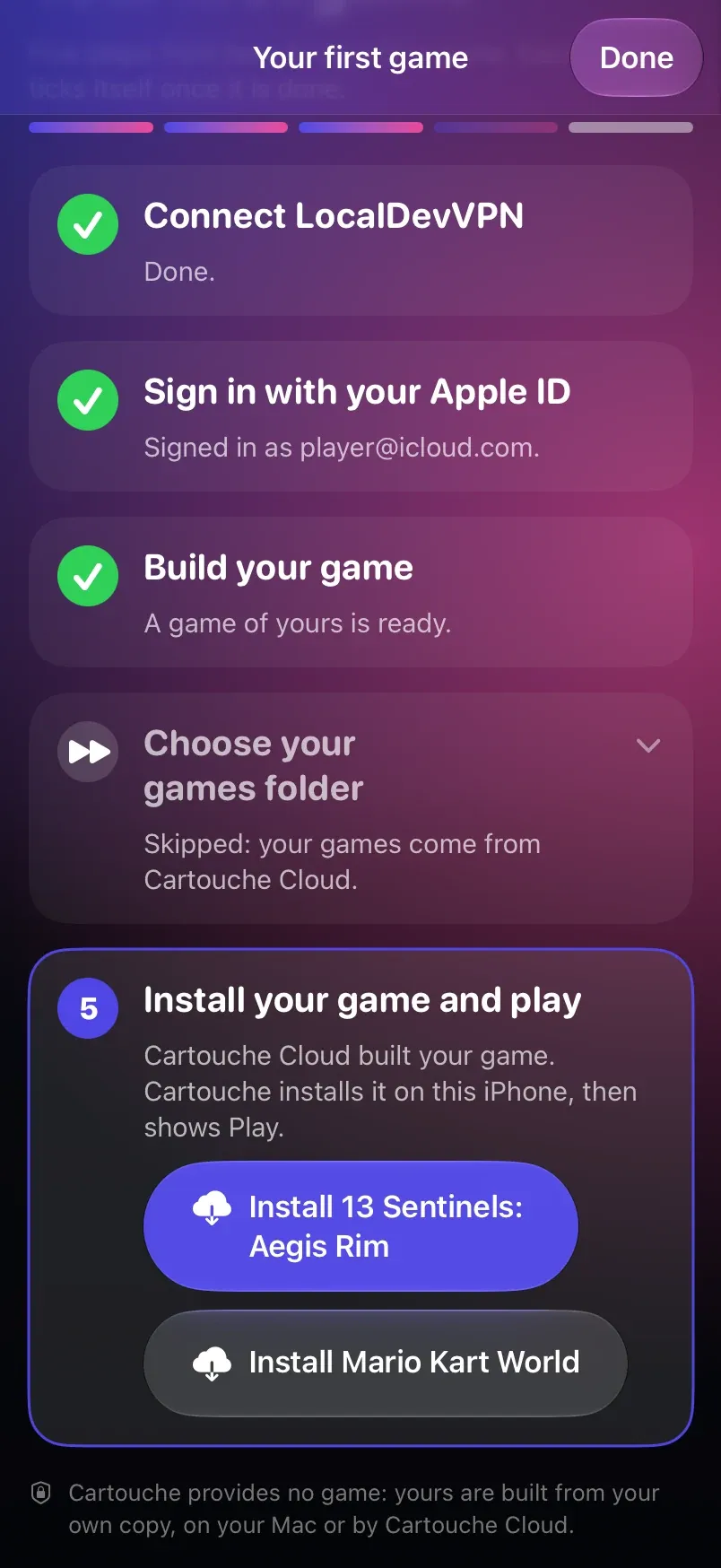
No Mac? From a computer, send your own copy of a game on Cartouche Cloud’s site. It builds it with nxnative on a Mac in the cloud, for you alone, then deletes your copy. Cartouche, linked to your account, follows the build and installs the game on your iPhone.
Cartouche Cloud provides no game: it builds only the copy you send it.
Build a game
Section titled “Build a game”- On a computer, open Cartouche Cloud’s site, make your account, and buy credits there.
- Send your own copy of the game: your console’s package (
.nsp,.xci,.nszor.xcz, with its updates and DLC, and your console’s keys,prod.keys), a.nup, or a.zipof a dump. - Link Cartouche to your account, once (Link your iPhone).
- Cartouche follows the build, step by step, and an email tells you when it is done. Then Install puts the game on your iPhone, like your other games.
Your keys stay with you
Section titled “Your keys stay with you”Your browser opens the game on your computer and sends the game alone: your keys never leave the computer. Base game, updates and DLC can be chosen together, and the newest update is applied.
Credits
Section titled “Credits”A build that succeeds is paid for in credits, bought in advance on Cartouche Cloud’s site, which gives the price. A build that fails costs nothing. Credits are held while a game builds, and given back if the build fails.
What it keeps
Section titled “What it keeps”- Your copy: deleted as soon as the game is built, and two days after you sent it at the latest.
- The game built: kept two days, for your account alone, time to install it.
- Your keys: never sent.
The details are on Cartouche Cloud’s privacy page.
Nothing to install
Section titled “Nothing to install”No Mac, no Xcode, no Terminal: a browser on a computer, and Cartouche on the iPhone. Cartouche Cloud is for the iPhone and iPad; with a Mac, Cartouche for Mac builds your games at home.