
Cartouche Cloud on the iPhone
System › Cartouche Cloud says what the service is, and links your iPhone to your account. The guide’s No Mac: Cartouche Cloud opens the same page.
Link your iPhone
Section titled “Link your iPhone”- On Cartouche Cloud’s site, on your account’s page, choose Link Cartouche: it gives a code valid ten minutes.
- In Cartouche, type it under Link this iPhone. Opened on the iPhone, that page fills it in for you with Open in Cartouche, or its QR code does.
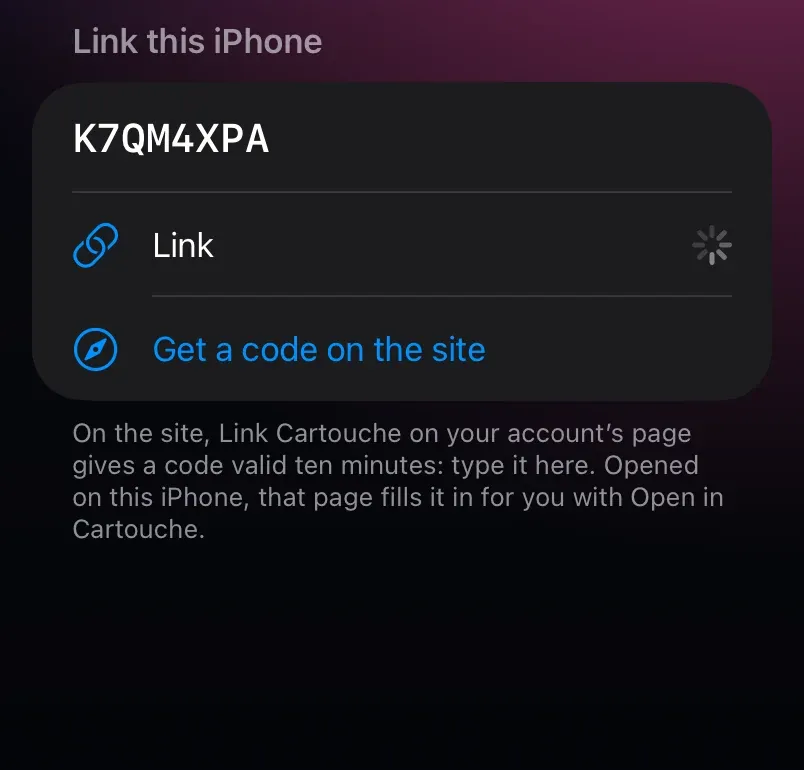
Linked, your iPhone reads your account’s games and fetches those built, nothing more: sending a game, your credits and your account stay on the site.
Follow a build
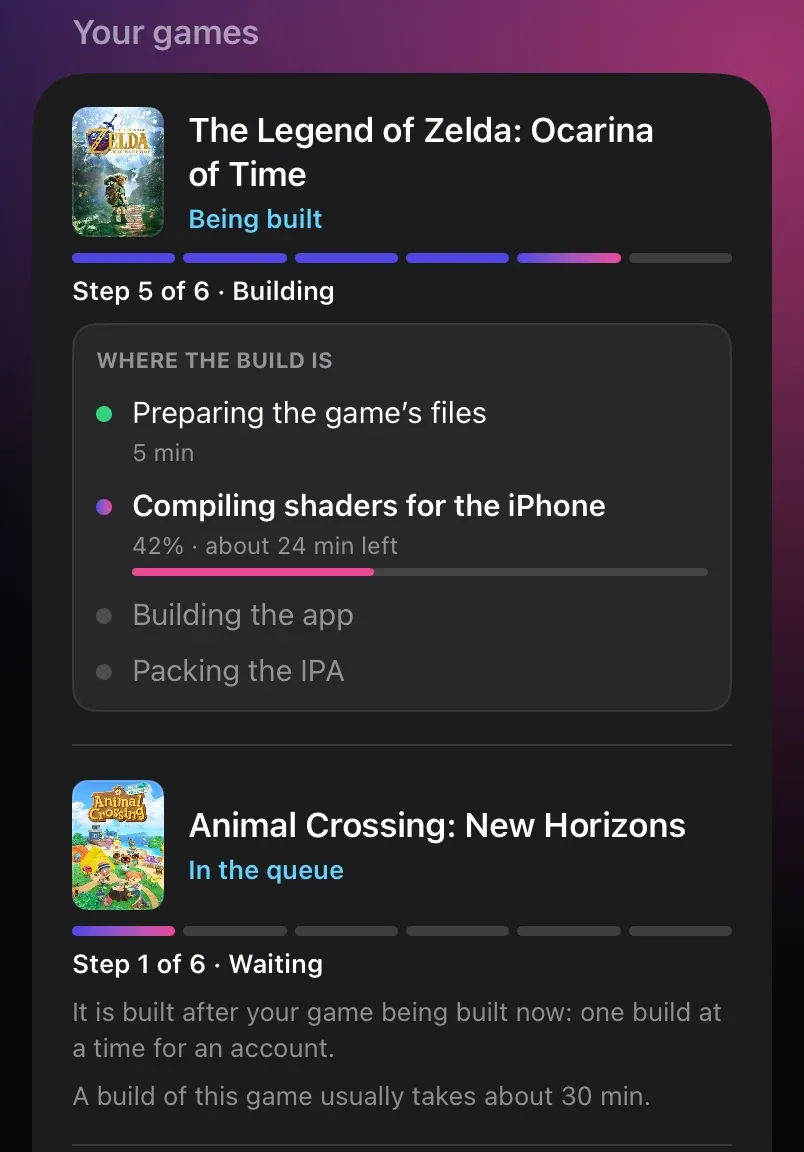
Section titled “Follow a build”Cartouche shows each game of your account with its cover, where it is, each step of its build and the time left, and your credits.
Install it
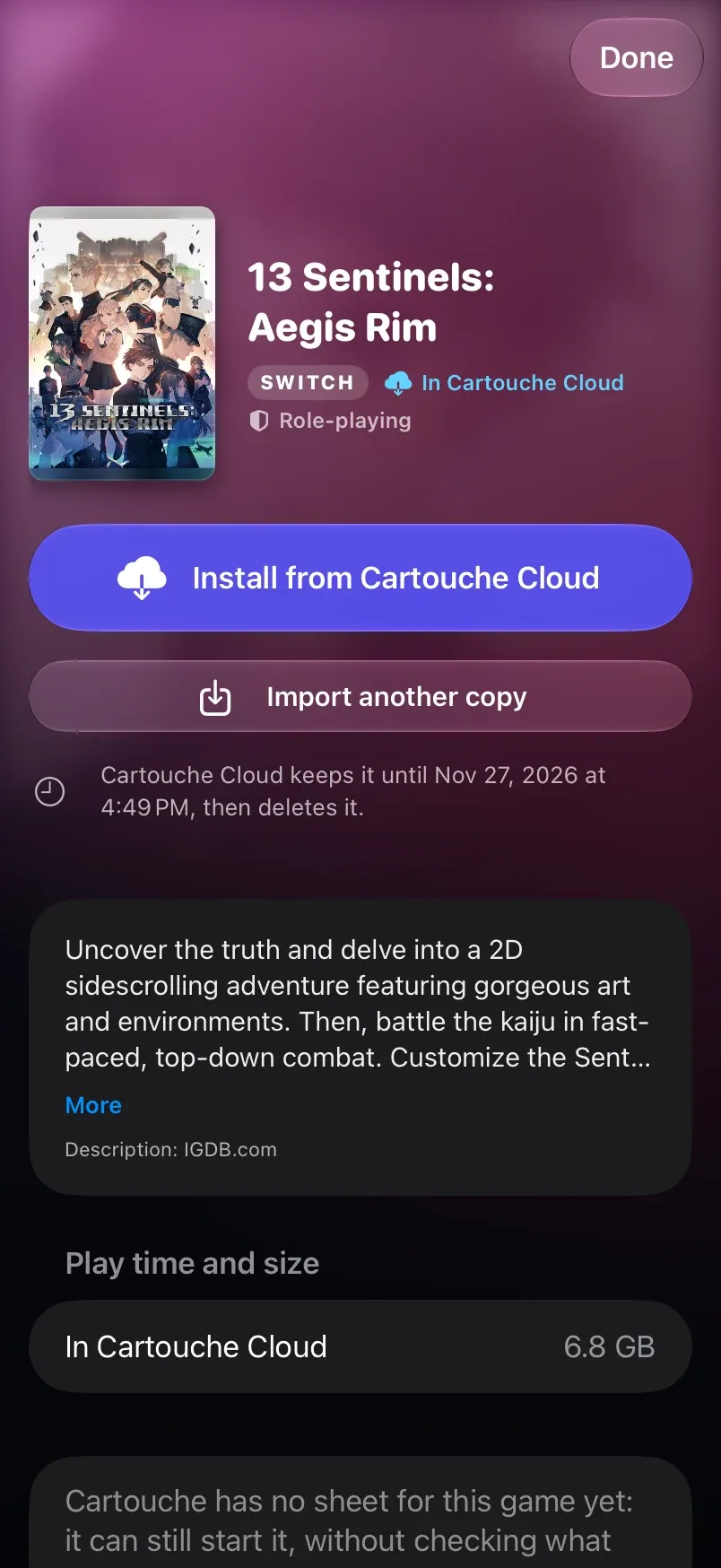
Section titled “Install it”A game built shows in your library and on its sheet, In Cartouche Cloud: Install puts it on your iPhone, like a game of your games folder. It stays two days on Cartouche Cloud: install it in that time.
Unlink
Section titled “Unlink”Unlink this iPhone stops Cartouche following your account here; your account and its games stay on the site. Unlinked on the site, the iPhone says so: link it again with a new code.