
Your first game
The first time you open Cartouche, its guide, Your first game, opens on the step to do. Each step ticks itself once it is done, in any order, and the guide takes you all the way to playing.
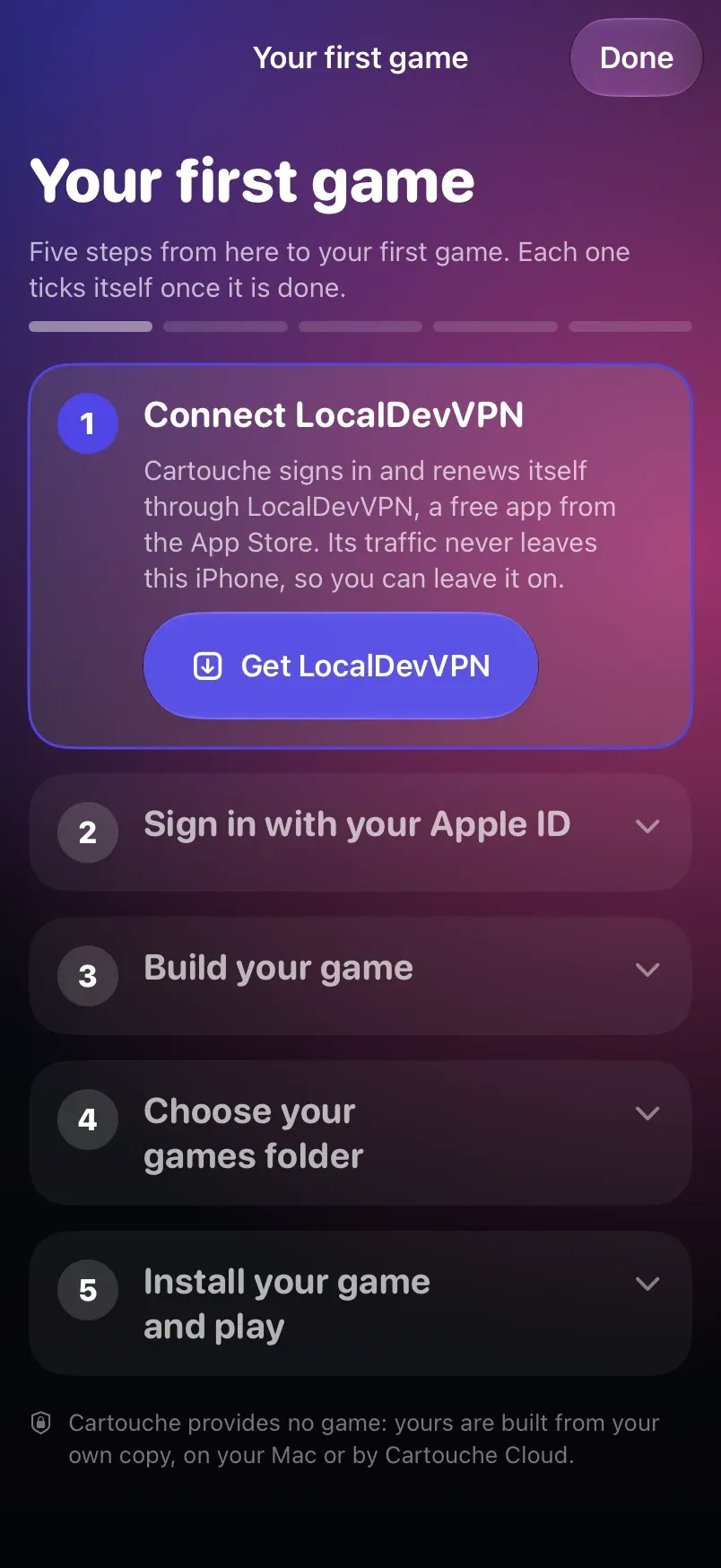
1. Connect LocalDevVPN and sign in
Section titled “1. Connect LocalDevVPN and sign in”The setup’s steps, from Install Cartouche. The guide shows them first when they are not done yet.
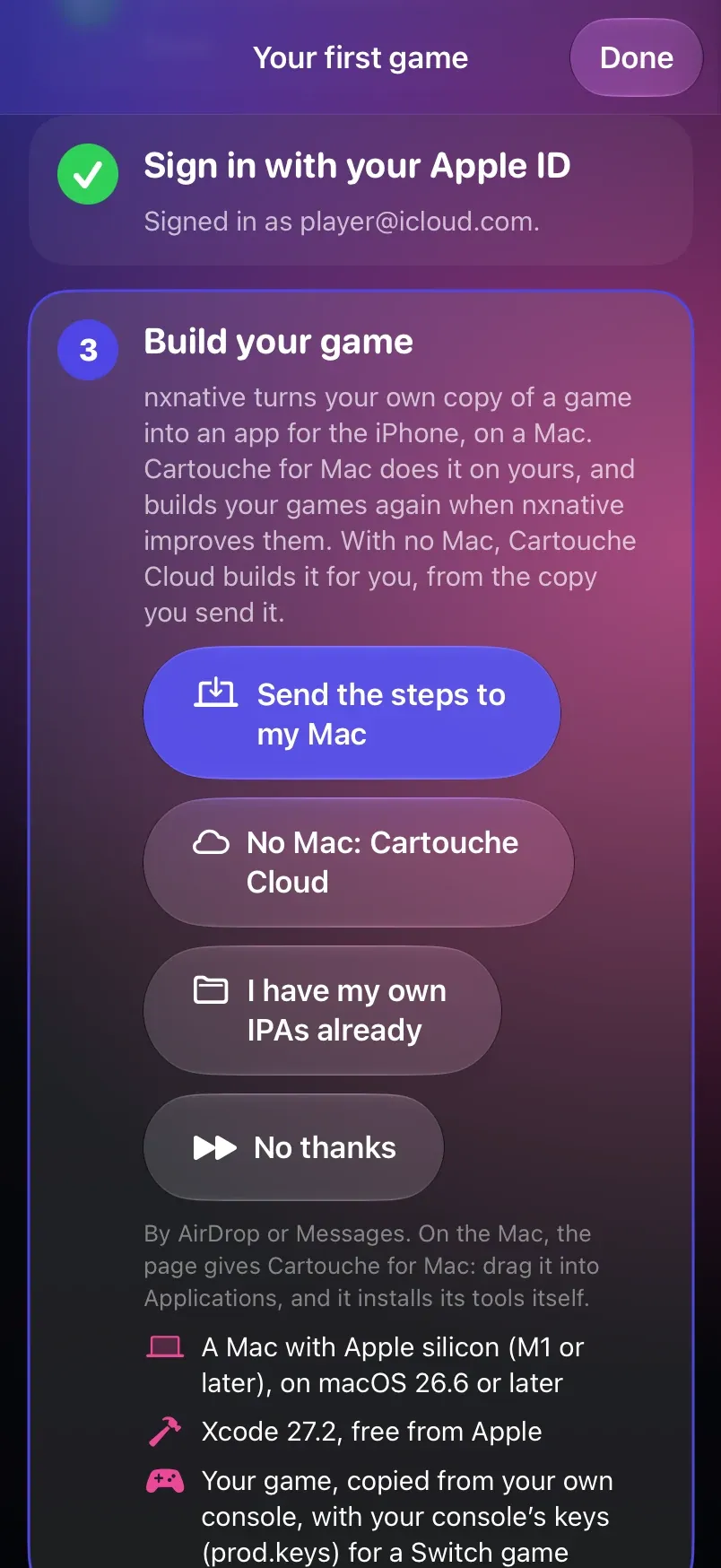
2. Build your game
Section titled “2. Build your game”Your game is your own copy, dumped from your console. nxnative turns it into an app for the iPhone, on a Mac. Choose the way that fits you:
- With your Mac: Send the steps to my Mac sends the Mac, by AirDrop or Messages, the page with Cartouche for Mac. Install it there; it builds your game and puts it in your games folder.
- No Mac: Cartouche Cloud opens Cartouche Cloud: send your copy from a computer, and the game built for you comes to Cartouche.
- I have my own IPAs already opens Files: the IPA you choose installs.
- No thanks: your games are built already, on your NAS for instance. The guide goes on to your games folder.
3. Choose your games folder
Section titled “3. Choose your games folder”Choose the games folder opens the Storage page: add your Mac, a shared folder of your NAS, an S3 bucket, an FTP or SFTP server, your Google Drive or a folder in Files, then choose the folder that holds your games. Cartouche lists your games from there and offers their updates.
With Cartouche Cloud, you need no games folder: the guide skips this step. No games folder at all? Import an IPA instead installs an IPA from Files.
4. Install your game and play
Section titled “4. Install your game and play”Your game shows in the guide’s last step and in your library. Install installs it, from your games folder or from Cartouche Cloud, then its sheet opens with Play.
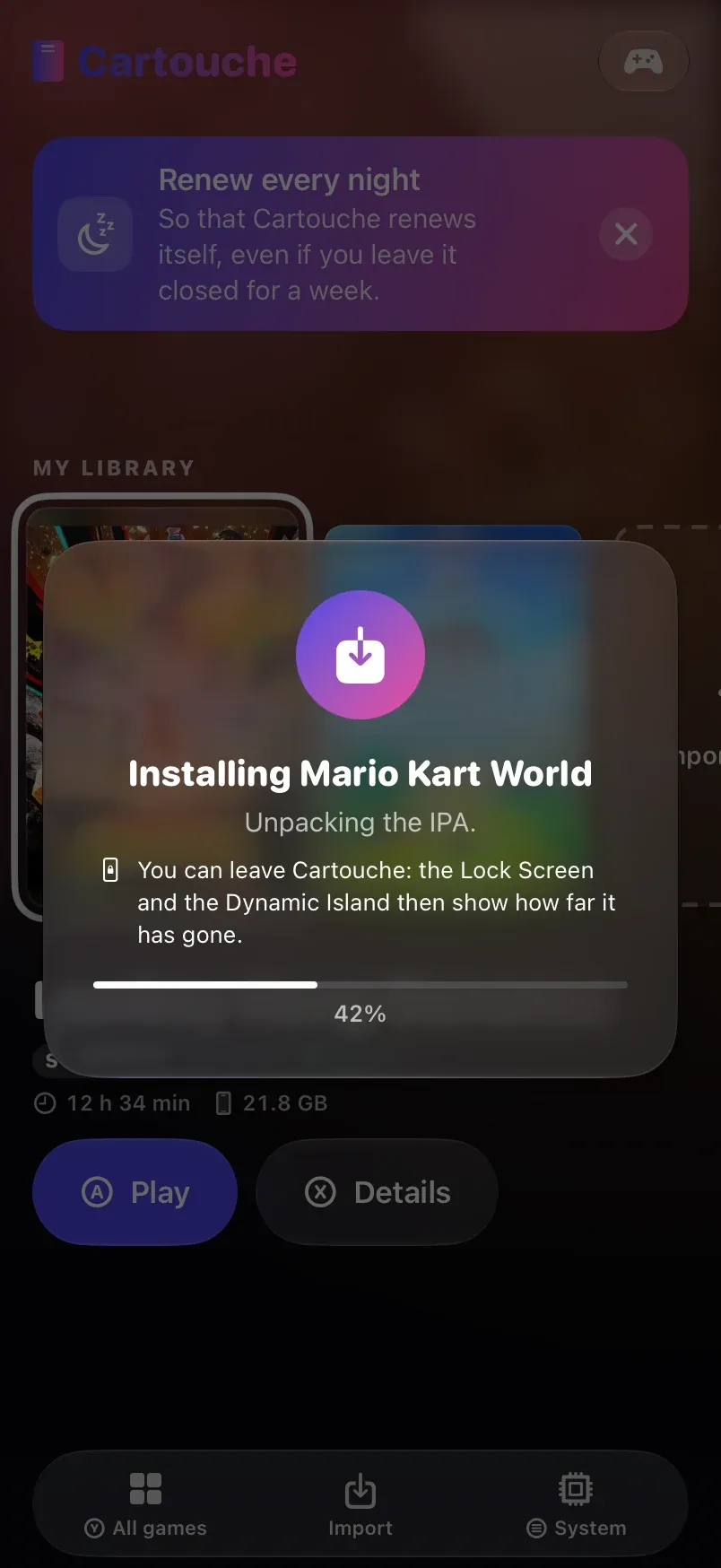
Your next games go the same way: built on the Mac or by Cartouche Cloud, then installed.
Open the guide again
Section titled “Open the guide again”- The × on the guide’s card takes it off the home.
- System › Your first game opens it again whenever you want.
- Until you have a game, How to get a game, beside Import my copy, opens it too.
On the Mac, Cartouche’s console has its own guide, in three steps: the setup assistant, a game built for this Mac, and that game played. See The console on the Mac.