
Install from your SideStore
If SideStore is already on your iPhone or iPad, you can install Cartouche from it, with no computer.
-
In SideStore, add Cartouche’s source:
https://source.cartouche.cloud. On the iPhone, the button below adds it for you. -
Install Cartouche from that source. When SideStore asks, choose Keep App Extensions (Use Main Profile): Cartouche needs them to run your games behind its console.
-
Open Cartouche. Its setup asks your SideStore for the pairing file and takes its certificate: there is no Apple account to type again.
-
Cartouche then installs itself again, once, to get Increased Memory Limit, the memory your games need.
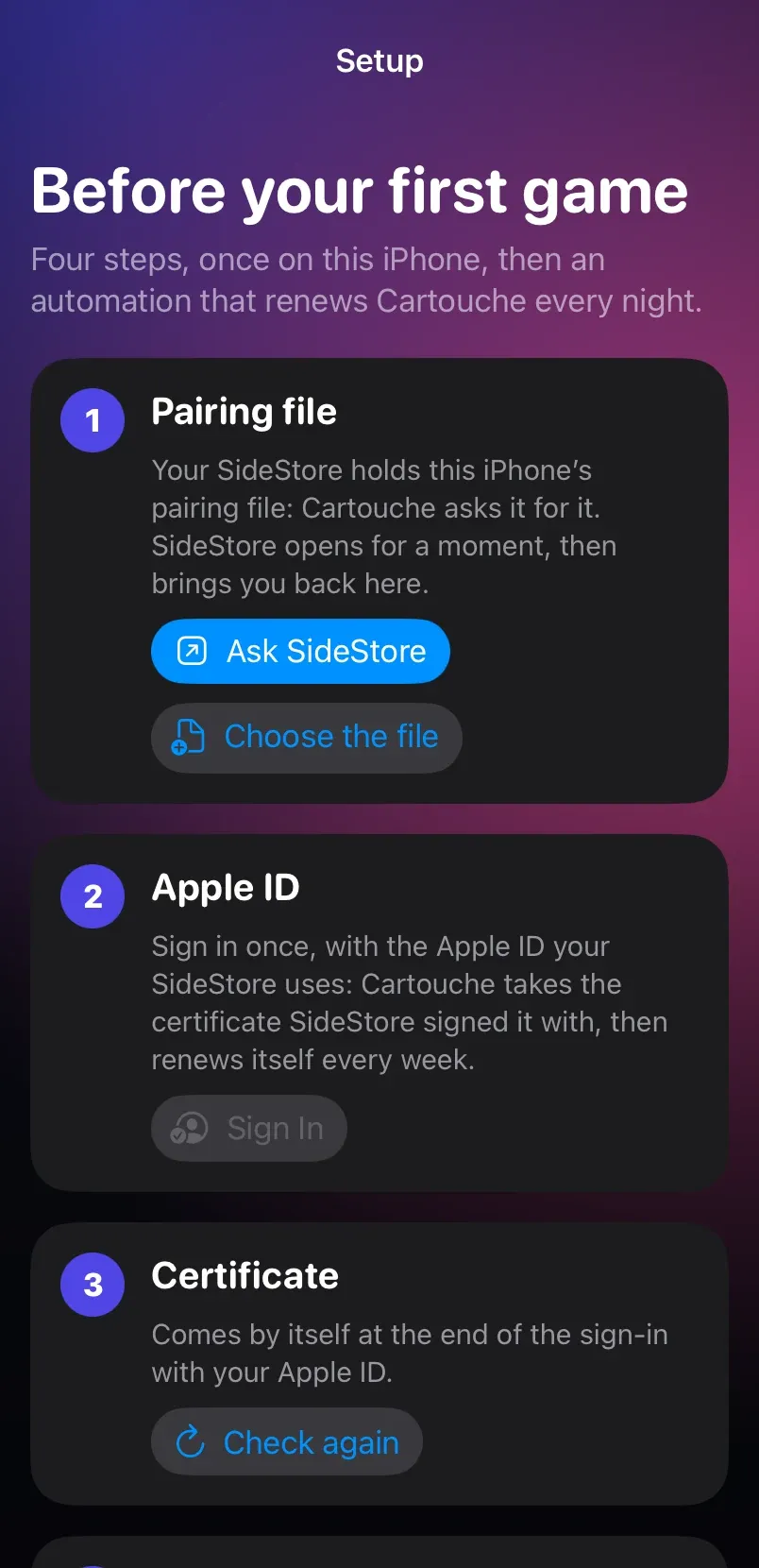
From then on, Cartouche renews and updates itself as after an install with the Installer. Its setup ends with the same last step, Renew every night.